
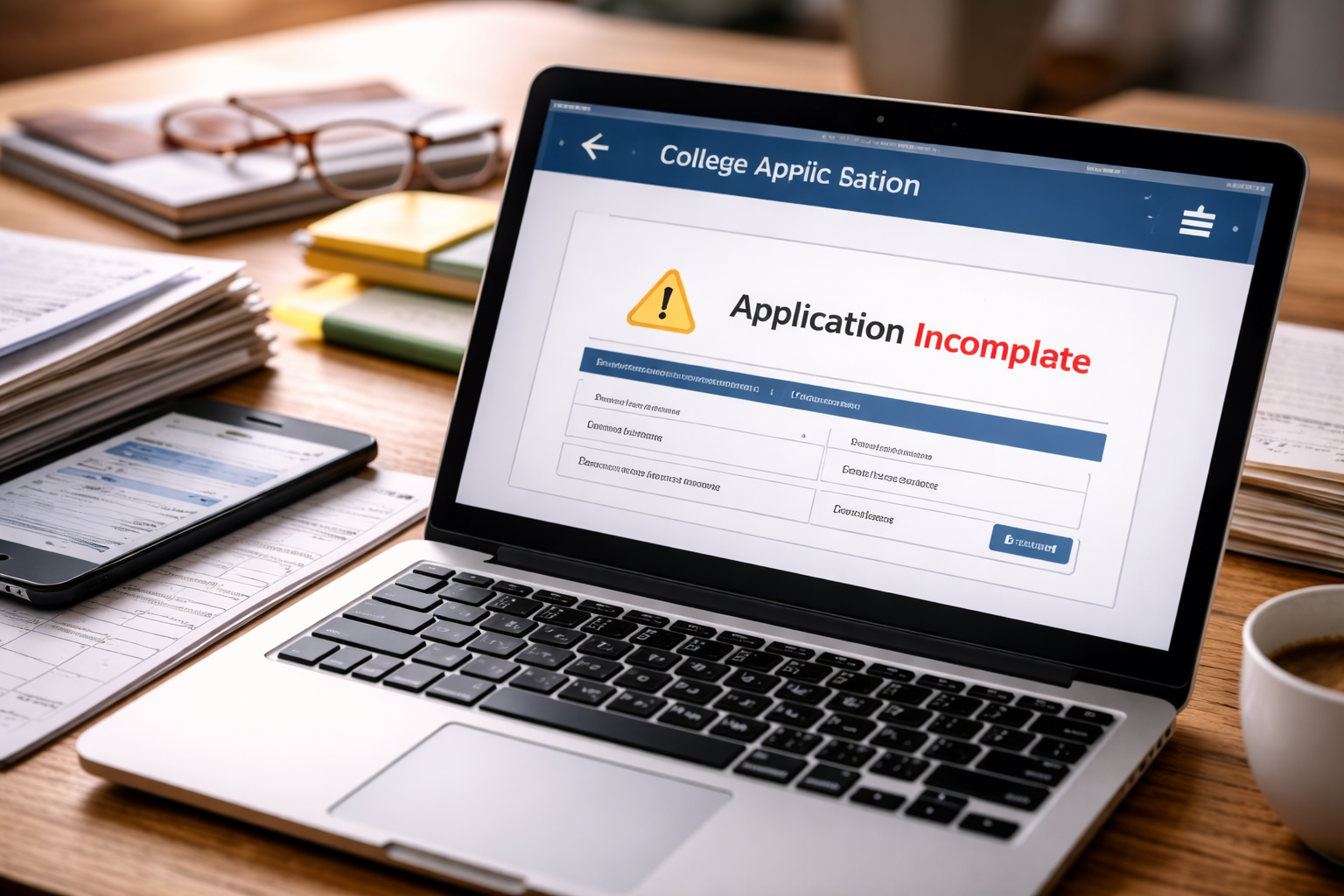
Application portal not updating.
You refresh once. Then again.
Not because you’re panicking—because you expect a simple change: “received,” “complete,” “in review.”
You just submitted a U.S. college application. Everything felt finished five minutes ago.
But the portal doesn’t move.
No green check. No timestamp. No sign that your file is alive on the other side.
This is the moment admissions becomes mental, not technical.
You’re not asking for a guarantee—you’re asking for proof that the system heard you.
If your main fear is “What if they didn’t receive my submission at all?”, start with this hub guide first—it frames the evidence you should collect before you do anything else:
What “Not Updating” Usually Means in College Admissions
When students search application portal not updating, they assume something broke.
Most of the time, nothing broke. The portal is simply not designed to update in real time.
A college application is not one file. It’s a bundle that arrives through different pipes:
- the application submission itself
- transcripts sent by the school counselor or service
- recommendations sent by teachers
- test scores sent through separate reporting systems
- fee payment or fee waiver confirmation
Portals often wait until multiple pieces match before they show progress.
So the screen looks frozen even while the back-end is moving.
Why This Silence Feels Worse Than It Is
A portal delay is not just inconvenience. It creates a psychological trap:
- you can’t prove completion
- you can’t prove receipt
- you don’t know whether to contact admissions
When your application portal not updating situation drags on, your brain fills the gap with worst-case stories.
The goal is to replace guessing with a clean checklist.
The 5-Minute Proof Stack (Do This Before Anything Else)
Before you email anyone, build a “proof stack.” This is your leverage if a deadline dispute happens.
- Screenshot the submission confirmation page (date/time visible)
- Save the confirmation email (download as PDF if possible)
- Screenshot the portal page showing the current status
- Note the deadline and timezone the college uses
- List what’s missing (if the portal shows missing items)
This turns panic into a record.
Case Breakdown: Match Your Exact Situation
Not every application portal not updating situation should be treated the same way.
Pick the closest case below and follow the steps in order.
Case 1: You Submitted Today, and Nothing Changed
You submitted within the last 24 hours, and the portal still looks unchanged.
This is the most common and least dangerous version of application portal not updating.
- Action: wait 1–3 business days
- Do: keep your proof stack
- Do: check again once daily, not hourly
In this case, contacting admissions immediately often creates unnecessary noise.
Case 2: The Portal Shows “Incomplete” Even After Submission
This is where the phrase application portal not updating becomes more serious.
Because “incomplete” suggests the system believes something is missing.
- Action: identify which item is missing (fee, transcript, recommendation, test score)
- Do: confirm whether that item is required for your application type
- Do: take a screenshot of the incomplete checklist
If the incomplete status lasts longer than expected, this guide targets that situation:
“Incomplete” is not the same as “rejected.” It’s an admin flag.
Case 3: Fee Paid, But Status Still Says Incomplete
One of the most common triggers for application portal not updating anxiety is payment mismatch.
You paid the fee, your card shows it, but the portal doesn’t reflect it.
- Action: save your payment confirmation (receipt email, bank/CC transaction)
- Do: check whether the college uses a third-party payment processor
- Do: wait 24–72 hours for payment sync (especially near deadlines)
Payment sync delays are common during peak submission days.
Case 4: Transcript Sent, But Portal Says Not Received
This is where students and parents lose time if they guess wrong.
When your application portal not updating problem involves transcripts, matching delays are normal—
but you still need to protect yourself before the “materials deadline.”
- Action: confirm the transcript send date and method
- Do: check whether your school counselor used an official system
- Do: confirm your name and DOB match across documents
Transcript delays are often identity-matching delays, not delivery failures.
Case 5: Recommendations Are Missing or Not Showing Up
Recommendation letters create a special version of application portal not updating stress:
you can’t “fix” it alone without involving a teacher.
- Action: confirm the recommender submitted (ask politely with a screenshot)
- Do: check whether the portal updates recommendations in batches
- Do: confirm whether the college requires all recs before marking complete
Don’t accuse a teacher. Ask for confirmation, then match it to your portal screenshot.
Case 6: Status Changed to “Pending” or Something Weird After You Were “Complete”
This is the version that feels like betrayal.
Your portal looked fine, then changed to pending or unclear.
That can happen, and it doesn’t automatically mean something bad.
Status shifts often mean internal review stages, not rejection.
What to Do First (The Right Order)
If your application portal not updating issue is making you consider emailing admissions, follow this sequence:
- 1) Build your proof stack (screenshots + confirmations)
- 2) Identify the exact missing item (if any)
- 3) Wait the minimum reasonable sync window (24–72 hours)
- 4) If the deadline passed, prepare one short factual message
Timing matters. One calm message is stronger than five anxious ones.
Mistakes That Make This Worse
When people face an application portal not updating problem, they often hurt themselves by:
- Sending multiple emails without evidence
- Assuming portal delay equals rejection
- Waiting too long after a deadline to raise a missing-item issue
- Using emotional language instead of dates and proof
Admissions offices respond best to clarity, not intensity.
A Simple Message Template (Short, Calm, Effective)
If you need to contact the admissions office, keep it factual. Example:
Subject: Portal status confirmation – submitted materials
Message: “Hello, I submitted my application on [DATE/TIME]. My application portal not updating and still shows [STATUS]. I attached my submission confirmation and screenshots. Could you please confirm whether my application and required materials are received and whether any action is needed on my end? Thank you.”
Short messages get answered faster.
One Official Reference (Not Advice, Just Credible)
For general information about student rights and admissions-related complaints, this official source is appropriate:
If Decisions Are Delayed, Don’t Confuse Silence With Rejection
An application portal not updating situation feels worse during decision season because you can’t measure progress.
If your college’s decision window has passed and your portal is still quiet, this guide explains what delays often mean:
Delays often reflect internal workload and committee timing, not your worth as an applicant.
Key Takeaways
- Application portal not updating is common in U.S. college admissions systems
- Build a proof stack before contacting anyone
- Inconsistency matters more than waiting time
- Use one calm, factual message if you must contact admissions
- Protect deadlines with screenshots and timestamps
FAQ
Does application portal not updating mean my submission failed?
Not usually. Many portals update in batches. Keep your submission confirmation and screenshots.
How long should I wait before contacting the college?
If no missing items are shown, 1–3 business days is typical. If the deadline passed and something is marked missing, contact sooner.
Should a parent contact admissions?
Usually the student should contact admissions directly, unless the college explicitly allows parent communication.
What if the portal shows incomplete but I submitted everything?
This is often a matching delay (fee, transcript, recommendation). Save proof, wait a short sync window, then send one factual message.
If you’re reading this because your application portal not updating has pulled you into endless refreshing,
you’re not overreacting—you’re responding to uncertainty.
Now do something that actually helps: save proof, identify what’s missing, and send one calm message only if the timeline demands it.
That’s how you protect a college application without creating new problems.