
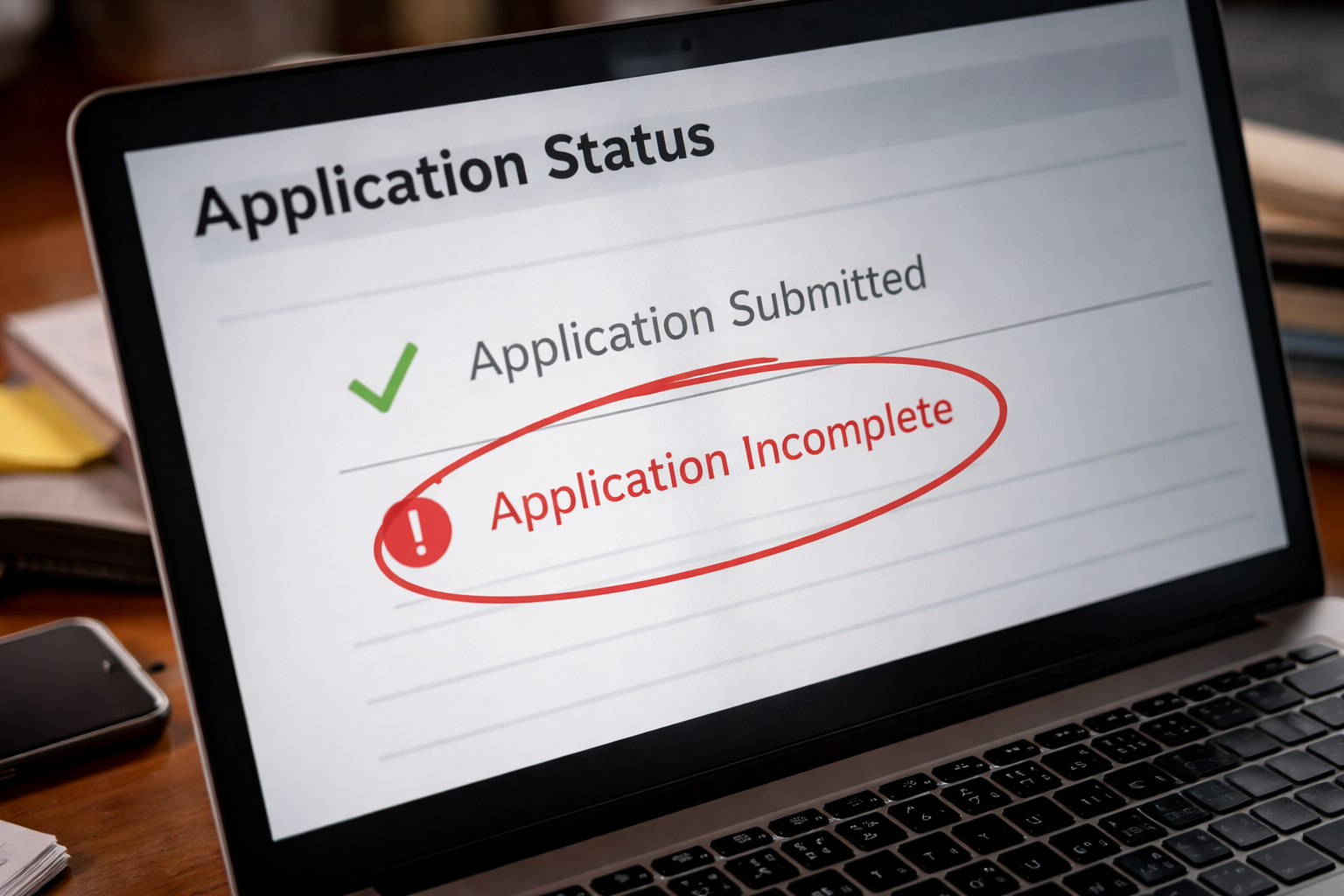
Application submitted but not received was the first thing I saw when I opened the portal on my lunch break. I wasn’t looking for drama—just a simple “received” line so I could move on with my day. I already had the submission confirmation. I already had the payment receipt. But the school’s page acted like none of it happened.
I sat there doing the math in my head: deadline tonight, counselor already sent transcripts, recommendation links already used. When the system disagrees with your proof, your brain immediately assumes the worst. If you’re staring at Application submitted but not received right now, you don’t need encouragement—you need a plan that matches how admissions offices actually process files.
What this message usually means in real life
Most portals are not “live truth.” They are a dashboard that updates in batches. One system says “submitted,” another system creates the student file, and a third system matches documents to that file. If any step lags, the portal can look wrong even when the institution has your materials.
The key idea: your submission proof can be valid while the portal still looks incomplete. This mismatch is exactly why Application submitted but not received shows up most often in the 24–72 hours after you submit (and again around major deadlines).
Before you do anything drastic, check the timing and keep it practical:
- 0–24 hours after submitting: normal processing window
- 24–72 hours: common backlog window (especially weekends/holidays)
- 72+ hours: start a documented follow-up
If it’s inside the first day, your best move is usually to document what you have and then stop poking the system. Repeated portal logins and frantic refresh cycles do not speed up intake queues. They just raise your stress.
Why it happens: common system-level causes
When people see a scary status line, they assume they made a mistake. Sometimes they did. But very often it’s a system handoff issue. Here are common causes that do not mean your file is “gone”:
- Batch importing: the school imports applications in scheduled runs
- Identity matching delays: your file exists, but it hasn’t been linked to your portal profile yet
- Document matching lag: transcripts/test scores arrived but aren’t attached to the file
- Duplicate profiles: two partial records exist and neither one looks complete
- Payment posting delay: fee paid, but checklist remains stale
- Term/program mismatch: correct submission, wrong term selected (system doesn’t match it cleanly)
Notice what’s missing: “rejection.” These are intake mechanics, not admissions decisions.
What the school sees on their side
Even if your portal looks wrong, the admissions office typically sees one of these internal states:
- File created, pending verification (waiting to be confirmed in the system)
- Application received, items unmatched (documents exist but aren’t attached)
- Submission logged, checklist not refreshed (portal view lag)
This is why you can be told “we have it” while the portal still looks unfinished. For staff, the phrase Application submitted but not received is a portal symptom, not proof that you failed to submit.
Also important: some offices are split. “Admissions” might review decisions, while “Applicant Services” or “Enrollment Services” handles intake reconciliation. If you email the wrong team, you may get a slow reply even though the fix is simple.
Your position and what you can reasonably request
If Application submitted but not received appears, you are allowed to ask for a verification check based on your timestamped confirmation. You are not demanding an exception—you are requesting a records match. Schools handle these requests every cycle, especially around deadlines.
- You can request confirmation that your submission timestamp is recorded.
- You can ask whether your file exists under a duplicate or unmatched profile.
- You can request that staff manually attach your submission confirmation to your file.
- If a deadline is close, you can ask that your proof be noted so your file is not penalized while reconciliation happens.
Keep your request procedural, not emotional. The faster you make it for someone to verify the record, the faster the status usually corrects.
What to collect before you contact anyone
If you reach out without evidence, you can get stuck in a slow back-and-forth. Spend five minutes building a clean “proof packet” first so you can answer questions in one message.
- Submission confirmation page (PDF or screenshot)
- Confirmation email header (showing date/time)
- Payment receipt or bank transaction screenshot (if a fee was paid)
- Applicant ID number (if shown anywhere)
- Date/time you first noticed the portal issue
- The exact portal wording (copy/paste or screenshot)
One rule: do not “fix” the problem by creating new confusion. Your goal is reconciliation, not restarting.
Exactly what to do next: a short, high-success sequence
If your portal shows a mismatch, do these steps in order. They work because they respect how intake queues work.
- Pause the refresh cycle: log out and check again later. Repeated refresh does not force updates.
- Verify the submission channel: confirm you submitted to the correct campus/program/term.
- Verify identity matching: make sure the portal email matches the email used to submit.
- Send one clean message to the right office: admissions/applicant services, not multiple departments.
- Attach your proof packet: confirmation + receipt + screenshot of portal status.
When Application submitted but not received appears, the fastest fix is often a manual match—staff linking your submission record to your portal profile.
Use the official help resource for the platform you submitted through:
This official page explains submission and confirmation behavior and is the safest reference if you used a centralized application platform.
A copy-and-send email template that gets answers
Keep your message short and structured. The goal is to make it easy for a staff member to say “yes, I see it” or “no, we need one missing item.”
Subject line: Portal shows incomplete — submission confirmation attached
Message body:
- I submitted my application on: [date/time]
- Submission method: [Common App / school portal / other]
- My portal currently shows: [exact wording]
- Applicant name + DOB (as used on application): [text]
- Attached: submission confirmation + payment receipt (if applicable)
- Request: please verify receipt and confirm whether my file needs manual matching
Do not apologize for asking. A record check is normal, especially near deadlines.
If you need to add one sentence about urgency, keep it factual: “The deadline is [date], so I want to ensure my submission timestamp is properly recorded.” That’s it. No pressure language, no accusations.
Case branching: pick the track that matches your timing
Use this to choose your next move without guessing.
- If it has been less than 24 hours: document everything, then wait until the next business day before escalating.
- If it has been 24–72 hours: send one email with your proof packet and request verification.
- If it has been more than 72 hours: follow up once, and request a manual review of your submission timestamp.
When people panic, they create duplicates. That is the most common reason a simple intake delay turns into a real administrative mess.
If your situation is urgent (deadline same day), you can say that plainly—without drama. The phrase Application submitted but not received should be framed as a portal mismatch you are trying to resolve quickly, not an accusation.
Mistakes that can actually harm your file
These actions can turn a solvable mismatch into a time-consuming investigation:
- Submitting a second application “just in case”
- Changing your name/email in multiple places on the same day
- Uploading the same document repeatedly (creates review noise)
- Emailing admissions, IT, and unrelated offices at the same time
- Sending long emotional explanations instead of proof
If you do only one thing: do not resubmit unless the school tells you to. Duplicate records are the #1 reason portal status stays wrong for weeks.
FAQ
Does this mean I missed the deadline?
If you see Application submitted but not received, it often reflects a portal delay rather than a true late submission.
If you have a timestamped confirmation, you can request verification based on that proof.
Is my application lost?
In most cases, no. It is usually pending verification or unmatched to your portal profile.
Will this affect my admissions decision?
Usually not. Intake issues are administrative. What matters is resolving them before file review begins.
Should I call instead of emailing?
Email first so you have a written trail. Calls can help in urgent cases, but email keeps the details clear.
What if the school says they never received it?
Ask for a manual search using your submission details and provide your confirmation attachments.
Key Takeaways
- Application submitted but not received usually signals a processing or matching delay, not a lost file.
- Build a proof packet before contacting the school.
- Use one clear message and avoid duplicate submissions.
- Act quickly, but act cleanly.
That portal line feels personal. It isn’t. It’s a system that needs reconciliation.
Here is your immediate action: collect your proof packet, send one clear verification email today, and do not resubmit unless instructed. If you do that, this problem usually resolves without damaging your application—and without turning a simple mismatch into a long administrative mess.