
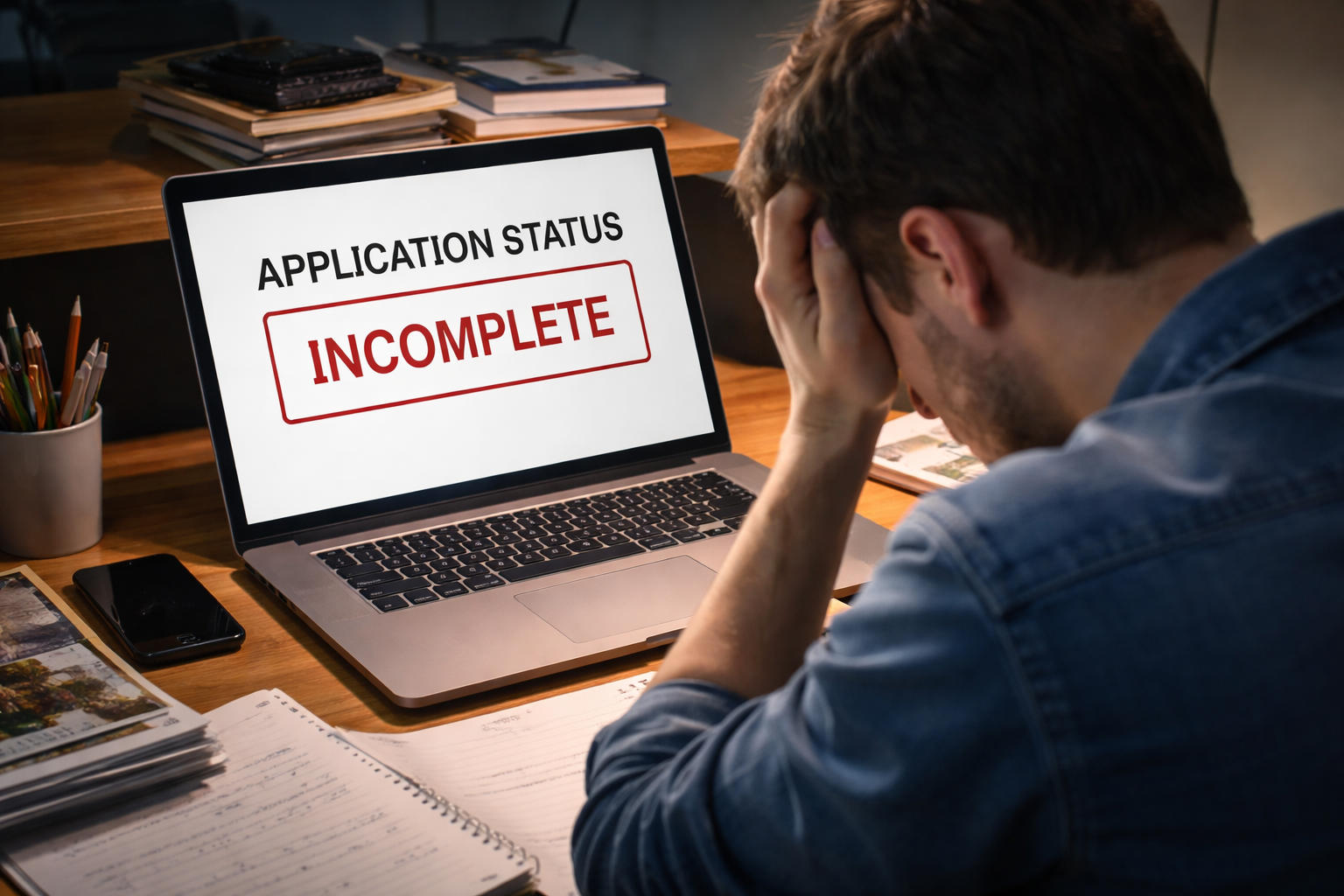
application status incomplete for weeks — that was the first thing I saw when I logged into the college portal, expecting a small change in the checklist. I had submitted the application, paid what needed to be paid, and watched the confirmation screen like it was a receipt I might need later. I wasn’t nervous. I was just checking.
Then I checked again a few days later. Same status. No email. No note. Nothing. I told myself it was normal, because admissions systems move slowly and schools process thousands of files. But after a couple of weeks with zero movement, the status stopped feeling “normal” and started feeling like “stuck.”
What makes this situation stressful is that “incomplete” isn’t just a label. In many colleges, incomplete files are not placed into the primary review workflow until they are marked complete. That means the longer it sits there, the more invisible it becomes.
If you’re dealing with an application status incomplete for weeks situation for a U.S. college application, you don’t need drama—you need a clear sequence of actions that forces clarity from the system and the school.
Start by checking whether your submission is truly in the system. If you suspect it never fully reached the school, use this first.
Why This Happens (System Reality, Not Personal Failure)
An application status incomplete for weeks is usually caused by a verification gap, not because you “forgot everything.” College portals often rely on multiple separate pipelines: one for your application form, another for payment/waiver, another for transcripts, and another for recommendation letters.
When one pipeline fails to sync, the portal doesn’t always tell you which piece is blocking the file. It simply keeps the status in “incomplete,” even when you believe everything was submitted. This is why applicants can feel gaslit by the checklist: you did the work, but the system won’t acknowledge it.
The good news is that these problems are usually fixable quickly once you identify the exact bottleneck. The bad news is that waiting rarely fixes it, because the portal has no reason to re-check missing items unless something triggers a review.
How Colleges Treat “Incomplete” Files Behind the Scenes
Here’s the part most applicants don’t realize: an application status incomplete for weeks can keep your file out of the main reading queue. Admissions teams typically build workflows around “complete files,” because that’s how they protect fairness and efficiency.
That doesn’t mean you are rejected—it means you may not be evaluated at all until the status changes. If you applied close to a deadline, or during a high-volume period, “incomplete” can quietly push your file into a slower lane.
This is also why your friend might get an “under review” update while yours stays frozen. It’s not always about competitiveness. Sometimes it’s purely administrative.
Fast Self-Check Before You Email Anyone
Do this in 10 minutes before contacting admissions. It prevents vague messages and gets you a faster response.
- Take screenshots of the portal checklist (showing “incomplete” and the missing items).
- Find your submission confirmation email or confirmation screen (date/time matters).
- Confirm your name spelling, birthday, and applicant ID match across all systems.
- Confirm whether you used a fee waiver and whether it shows as approved or pending.
- List which items are “self-submitted” (you control) vs. “third-party” (school counselor, recommender, testing agency).
If you want the school to act quickly, you need to make it easy for them to locate your record and validate the missing piece.
Case Branching: Choose the Right Fix Route
Use the cases below to pick the right action. The biggest mistake is using the wrong route and wasting another week.
Case 1: Everything Was Submitted, But One Item Never “Matches”
This case is common when the counselor uploaded documents under a slightly different name, or recommendations were sent but not attached to your profile. Your portal may show “missing,” while someone else insists it was sent.
When application status incomplete for weeks happens here, it’s often a matching issue. You need manual verification.
- Email admissions and include: full name, DOB, applicant ID, and the exact missing item.
- Attach proof of submission (receipt, screenshot, recommender confirmation if available).
- Ask one direct question: “Can you confirm whether this item is received but not matched to my file?”
Do not ask five questions in one email. One clear verification request gets answered faster.
Case 2: Transcript or Recommendation Is Late (Third-Party Delay)
In this case, the portal is telling the truth: the item is not there yet, or it arrived incomplete/unreadable. This happens during busy seasons, especially when schools batch uploads.
- Contact your counselor/recommender and ask when it was sent, plus the exact method used.
- If the school allows it, ask whether they accept a resend.
- Follow up with admissions only after you have a resend plan or a confirmed send date.
Your goal is to create a clean timeline the school can trust.
Case 3: Fee Payment or Fee Waiver Is Pending
Payment verification can quietly block completion. Fee waivers may require manual review. Some systems keep the application incomplete until the fee/waiver is confirmed.
- Check whether your payment shows “processed” or “pending.”
- If fee waiver: confirm it was submitted and whether it requires approval.
- Email admissions asking specifically: “Is my fee/waiver the item preventing completion?”
When the blocking item is payment-related, clarity is often fast once someone checks it.
Case 4: Status Has Been Incomplete for Over a Month
This is the high-risk case. At this point, an application status incomplete for weeks is no longer “normal processing.” It is stuck enough that you should request written confirmation that your file will still be reviewed once completed.
- Request a confirmation reply from admissions (keep it polite and short).
- Ask whether any deadline has passed due to the incomplete status.
- If the school has an applicant portal help desk, contact it in parallel.
Your job here is to protect your timeline, not to “argue” with the system.
What Not to Do (These Moves Backfire)
- Do not send daily emails with no new information.
- Do not upload duplicates repeatedly without explaining why.
- Do not assume “no news means fine.”
- Do not wait until the deadline week to start asking questions.
Admissions teams respond better to organized applicants than anxious applicants. Your tone should be calm, factual, and timestamped.
If It Turns Complete But Nothing Happens Next
Sometimes the portal flips to “complete” and then… silence again. That can be normal, but it can also mean your file entered the queue late.
If your application status incomplete for weeks finally becomes complete, note the completion date. That date matters for internal workflow.
Once you have a completion date, you can ask smarter questions, like whether your file is in review and whether you are still within priority consideration windows.
This next resource helps when the file is complete but outcomes stall.
Key Takeaways
- An incomplete status is usually a verification bottleneck, not a rejection.
- Incomplete applications may not be reviewed until the status changes.
- Pick the right case route: matching, third-party delay, payment/waiver, or escalation.
- Documentation and clarity get faster responses than repeated emails.
FAQ
Does “incomplete” mean I’m rejected?
No. It usually means one required component hasn’t been verified in the portal.
How long is too long?
If it has been more than two weeks with no movement, treat it as a fixable problem and take action. If it has been a month, escalate and request written confirmation.
Should I resend everything?
Not immediately. Identify the single blocking item first. Resending everything without context can create duplicate confusion.
Will contacting admissions hurt my chances?
Polite, factual messages do not hurt your chances. They often prevent silent deadline problems.
What To Do Right Now
The moment you realize your application status incomplete for weeks is not changing, stop waiting and switch to action.
- Step 1: Screenshot your checklist and gather submission proof.
- Step 2: Identify the single blocking item (matching, third-party, payment/waiver).
- Step 3: Send one clear, factual message asking for verification and a completion update.
- Step 4: If no response in a reasonable time, follow up once with the same organized proof.
You do not need to be aggressive to be effective. You need to be specific.
And if you’re thinking, “Maybe I should just wait a little longer,” remember this: systems don’t fix themselves—people do.
That’s why this isn’t about blaming you. It’s about protecting your college application while there is still time to protect it.
If you used the Common App and need official portal support steps, use the official help center below.