
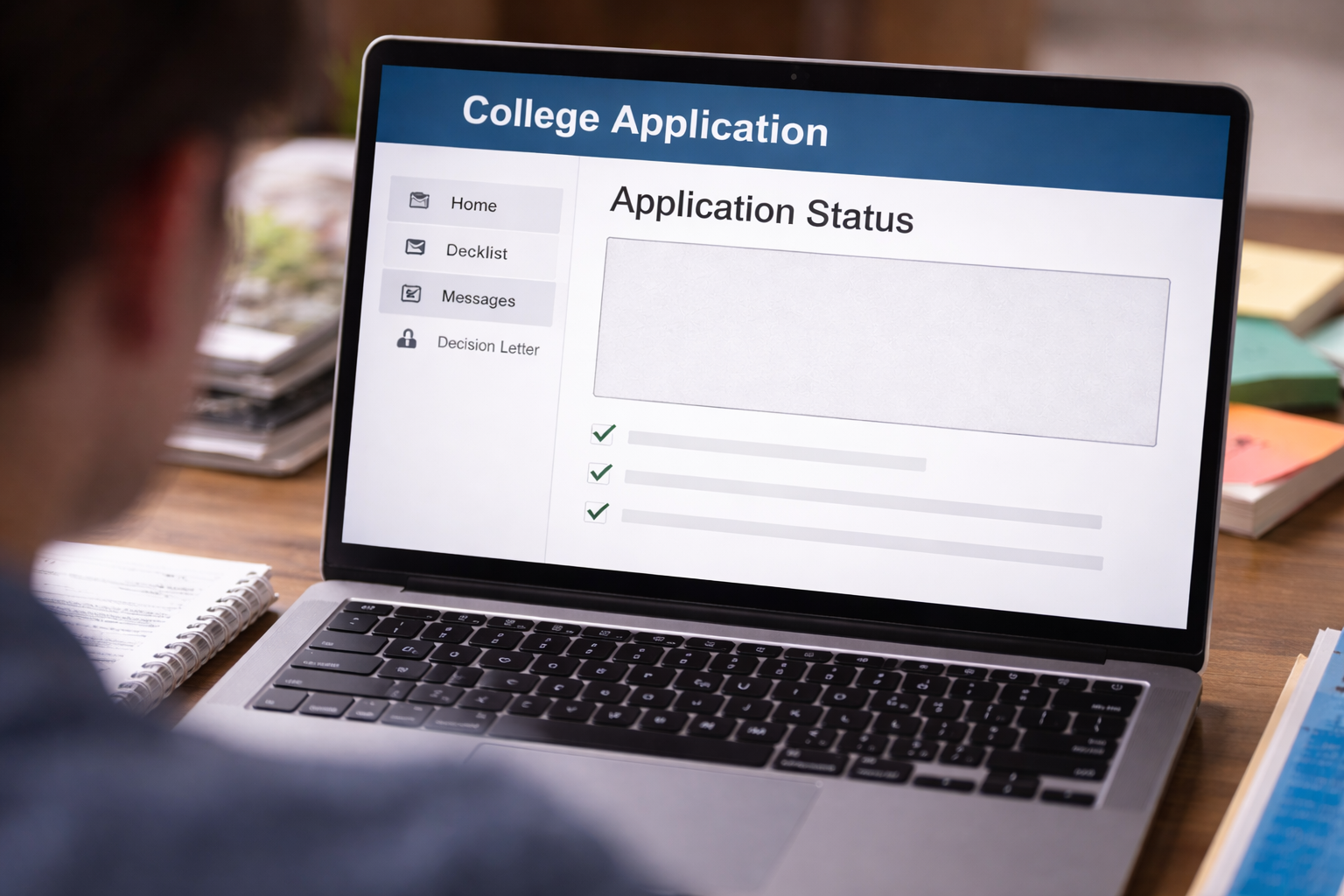
Admission decision missing from portal — I logged in like it was a routine check. Decision day. Same password, same portal, same “Application Status” page I’d stared at for weeks. I expected the page to look different in an obvious way: a new message, a decision letter link, even a bold banner. Instead, it looked untouched—like nothing happened.
I refreshed once. Then again. Then I checked my email, spam folder, and text notifications. Still nothing. Friends were already posting results. My portal stayed quiet. When an admission decision missing from portal happens on decision day, the uncertainty isn’t just emotional—it can become a deadline problem. Housing deposits, enrollment steps, financial aid timelines… they don’t wait for your portal to “catch up.”
What this situation usually means (in college admissions terms)
When admission decision missing from portal is what you see, the most important thing to understand is this: portals are not the decision. They are the delivery mechanism. Colleges often release decisions in batches, hold specific files for manual checks, or delay portal updates because a checklist item is unresolved.
Most missing-decision situations are “process friction,” not a secret rejection. But you still have to treat it as urgent because the system won’t protect you automatically.
Fast self-check: 7 things to verify in 10 minutes
If admission decision missing from portal is your exact scenario, do this quick sequence before you email anyone:
- Log out completely, then log in again (don’t just refresh).
- Try a different browser (Chrome vs Safari/Edge) and a private/incognito window.
- Check mobile vs desktop view (some portals hide letters on mobile).
- Look for a “Messages,” “Status Update,” or “Decision Letter” tab.
- Open your checklist and expand every collapsed section.
- Search your email for the college name + “portal” + “status.”
- Confirm you’re on the correct term (Fall 2026 vs Spring 2026).
If your checklist shows anything questionable, that is your first lead.
If the portal itself seems frozen or never updates properly, start here:
This is the “hub” for portal-sync issues and prevents wasted back-and-forth with admissions.
Case branches: pick the one that matches your screen
Case A: Others got decisions, you did not
The college said decisions are out, peers confirm it, but your portal has no decision.
Case B: Your portal shows “Submitted/Under Review” only
No decision section appears; it looks like the season never progressed.
Case C: Your checklist shows “missing/incomplete” items
Transcript, test scores, fee waiver, counselor forms, or residency documents are flagged.
Case D: A decision should exist, but the decision area is blank
No error; just an empty space where the letter should be.
Case E: The portal shows a hold or verification note
You see words like “pending verification,” “additional review,” or “awaiting documents.”
Case F: You applied through Common App or coalition and the college shows “incomplete”
You submitted, but the college portal doesn’t acknowledge key items.
Case G: You have multiple applications or programs at the same school
One program shows a status; another does not, or the wrong program is selected.
The best action depends on the case. If you treat a missing-document hold like a portal glitch, you’ll lose time. If you treat a portal glitch like a missing document, you’ll chase the wrong fix.
Why portals “hold back” decisions even when the committee decided
When admission decision missing from portal happens, it often feels like the school is hiding something. In reality, admissions operations teams usually delay release for one of these reasons:
- Checklist integrity: they avoid releasing decisions if required documents are missing.
- Identity/residency verification: certain data mismatches trigger manual review.
- Batch release mechanics: your record may have been excluded from the first batch.
- System sync delays: the decision exists internally but the portal hasn’t published it.
The key is to force clarity without sounding accusatory.
What to do for each case (the fastest path)
If admission decision missing from portal, pick your case and follow the matching “first move” below. Don’t do everything at once.
Case A (others received decisions):
Wait a short window (2–6 hours) in case of wave release, then send a single inquiry. Wave releases are common, but silence past the day’s end deserves action.
Case B (still “under review”):
Verify you’re looking at the right term/program, then check for a hidden message tab. If nothing exists, contact admissions and ask whether your record is in a “decision released” batch.
Case C (missing/incomplete documents):
Do not ask “where is my decision?” first. Ask “what is the exact missing item and acceptable proof?” Then submit proof through the portal and email a confirmation note.
Case D (blank decision area):
Try incognito + different browser. If still blank, screenshot the page and send it with your inquiry. Specific evidence shortens troubleshooting.
Case E (hold/verification):
Your job is to identify the hold category (residency, identity, financial doc, counselor form). Ask what clears the hold and the expected timeline after clearing.
Case F (Common App mismatch):
Confirm your Common App submission receipt and date/time. Then ask the college portal team which components they do not see. This is often a routing/processing mismatch, not your fault.
Case G (multiple programs):
Switch programs/terms in the portal. Some portals default to the wrong application record. If unsure, ask admissions to confirm which application ID is active.
The message to send (copy structure, not a script)
When admission decision missing from portal, your email should be short and structured so it can be answered quickly:
- Your full name + applicant ID
- Term and program (e.g., Fall 2026, Undergraduate)
- Statement: decision not visible in portal
- Ask: whether additional action is required or if your record is held for verification
Your goal is to trigger a status check, not to vent. Venting slows replies. Structure speeds them up.
What NOT to do (these mistakes cost days)
If admission decision missing from portal, avoid these common traps:
- Sending multiple emails in one day (it can reset your queue position).
- Threatening complaints or accusing the school of “losing” your file.
- Calling repeatedly without documenting names and reference notes.
- Assuming rejection and ignoring follow-up steps.
Silence doesn’t protect you from deadlines, and overreaction doesn’t speed up staff response.
Document-proof problems are the #1 hidden cause
In many cases, an admission decision missing from portal situation is attached to a quiet checklist problem: a transcript that was “received” but not matched, documents uploaded but not verified, or a counselor form marked incomplete.
If your portal shows missing items even though you uploaded them, read this next:
This helps you handle “uploaded but not recognized” cases without resubmitting blindly.
If you resend documents, do it strategically: attach the receipt, include the original submission date, and ask the school to confirm match/verification—not just “received.”
Official reference (one source to keep you grounded)
For applicants using Common App, the official support center can help you confirm submission timing and typical processing issues. This is not a “decision source,” but it is a reliable reference for submission-side validation:
Use it to confirm what “submitted” means and what proof you can provide when a college portal doesn’t reflect your application correctly.
If it turns into a delay: what to do next
Sometimes admission decision missing from portal becomes a true decision delay—not a portal glitch. That’s when you need a timeline mindset: what happens if the decision arrives after deposit deadlines, or after you must commit elsewhere?
If the school says “it’s delayed,” use this guide to respond without losing control of timelines:
Your best protection is to document every date: decision release date announced, date you contacted, date they responded, and any promised follow-up date.
FAQ
Does admission decision missing from portal usually mean rejection?
No. It can be a wave release, a verification hold, or a checklist mismatch. Missing does not equal negative.
How long should I wait before contacting admissions?
If the school announced decisions are released and your portal is unchanged, wait a short window for waves (a few hours), then email within 24 hours.
Can contacting the school hurt my chances?
A professional status inquiry does not harm you. Avoid emotional accusations; keep it factual.
Should a parent contact the school?
Usually no. Most colleges prefer the applicant to communicate directly unless specific permission exists.
What if my portal says incomplete but I submitted everything?
Provide proof (submission receipts, timestamps) and ask them to confirm match/verification, not just receipt.
Key Takeaways
- Admission decision missing from portal is usually a process or system issue, not a hidden verdict.
- Pick the right case branch first (wave release vs checklist vs portal glitch vs verification hold).
- Document what you see and contact admissions once, clearly and calmly.
- Protect downstream deadlines (housing, deposits, aid) even while you wait for clarity.
If you’re dealing with admission decision missing from portal, the point is not to refresh forever. The portal isn’t a mind-reader, and admissions offices don’t automatically notice who got skipped in a batch.
Your action today should be simple: verify your checklist, capture evidence, send one clean inquiry, and set a follow-up date you will not ignore. You’re not asking for special treatment—you’re making sure your file isn’t trapped in a technical gap.