
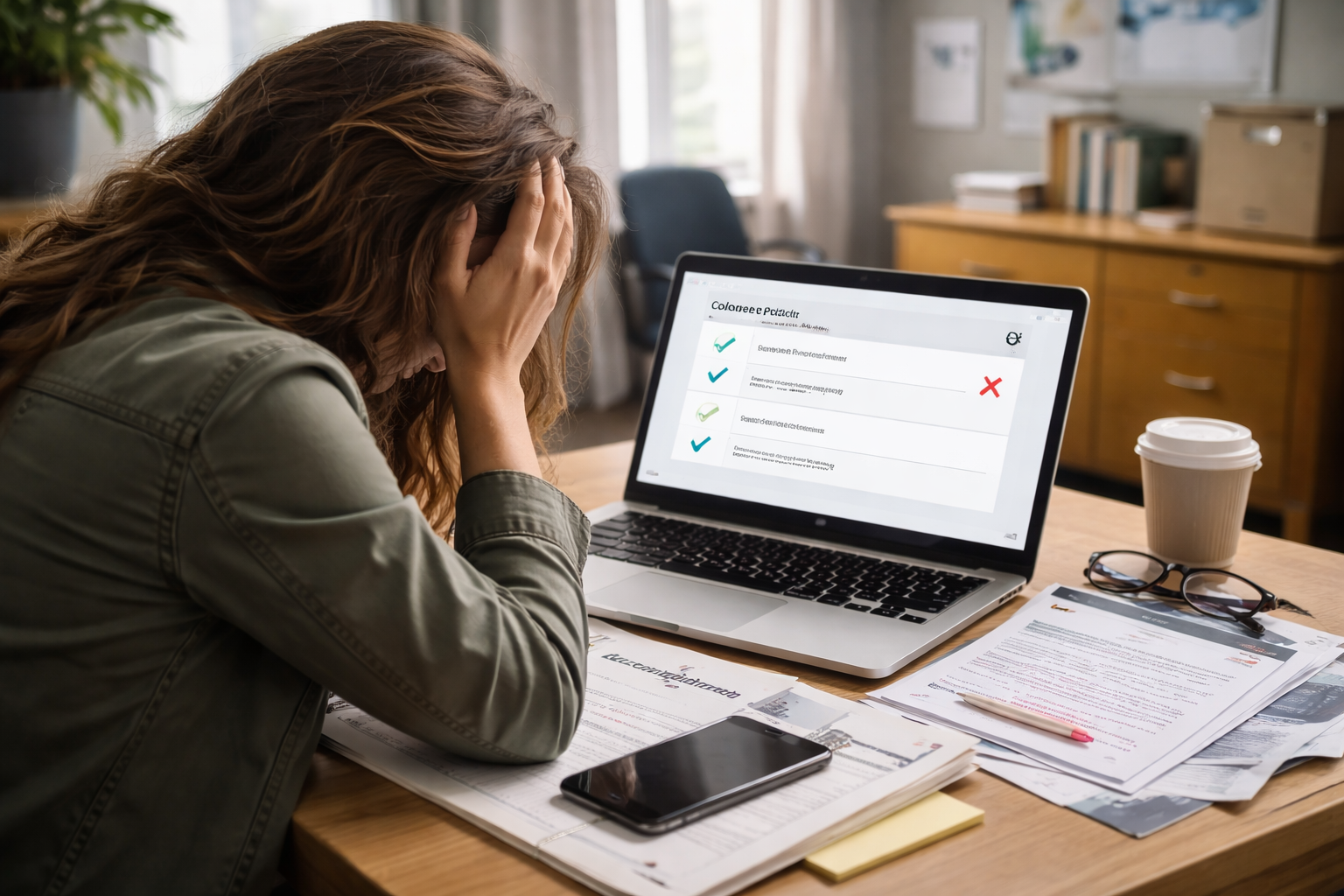
Recommendation submitted but not showing — I caught it in a quiet moment, not during some dramatic “final submit” scene. I opened the college portal because I wanted to feel done. Instead, the checklist looked like it was accusing me of missing something I knew was already handled.
The recommender had told me, calmly, “I submitted it.” I even had the confirmation screenshot. Yet the portal still showed “Missing.” That’s the kind of mismatch that instantly turns a normal application week into a deadline panic.
If your portal is lagging or behaving inconsistently, this hub is the closest match for what you’re experiencing. It helps you interpret what the checklist updates really mean.
Read this first (short, practical): checklist updates are often delayed even when documents exist.
What “Submitted” Can Mean (And Why Portals Still Show Missing)
When you see recommendation submitted but not showing, it helps to understand one inconvenient reality: a recommendation letter can be “submitted” in one place and still not “matched” in another.
Most U.S. college admissions workflows separate the process into layers:
• The platform records the upload and generates confirmation
• The college imports files in batches (often daily or every few days)
• The college matches the letter to your applicant record using identifiers (email, name, birthdate, application ID)
The place where things break most often is the matching step. That’s why recommendation submitted but not showing is usually not a “lost letter” problem — it’s a “not connected to you yet” problem.
The Real Timeline: How Long “Not Showing” Is Still Normal
If recommendation submitted but not showing is happening within 24–72 hours, that can still be normal. Some portals update slowly, especially during peak season.
Typical lag patterns:
• 1–3 business days: routine processing
• 3–7 business days: backlog season or identifier mismatch
• Deadline week: unpredictable — many portals slow down noticeably
Waiting blindly is risky, but escalating too early creates noise. The next section helps you decide what category you’re in within minutes.
Pinpoint Your Situation in One Read
CASE 1 — Submitted Recently (0–2 Business Days)
You might simply be inside normal processing time.
Best move: Ask the recommender for the confirmation screenshot/receipt and hold it ready.
CASE 2 — Submitted 3–5 Business Days Ago
This is where recommendation submitted but not showing starts to require action.
Best move: Verify the recommender used the correct email and that the letter was assigned to the correct college.
CASE 3 — Submitted to the Wrong College
This happens when a recommender selects the wrong institution in a dropdown.
Best move: Ask the recommender to confirm the exact college name listed at submission.
CASE 4 — Multiple Recommenders / One Showing, One Missing
Often an identifier mismatch with one person (email, name format).
Best move: Confirm the missing recommender’s email exactly matches what was invited.
CASE 5 — School Portal Shows Missing, But Common App Shows Complete
This is one of the most common versions of recommendation submitted but not showing.
Best move: Assume batch import delay first, then contact admissions with proof if deadline is close.
CASE 6 — Deadline Is Within 48 Hours
Treat it as urgent, even if it’s “probably fine.”
Best move: Email admissions today with evidence and ask them to confirm the letter is received internally.
If the issue feels bigger than just one document — like multiple items showing missing — this related guide helps you handle “missing” labels more safely without overreacting.
Use it if your portal is marking several uploads as missing at once.
The Fastest “Proof Packet” That Gets Admissions to Help
When recommendation submitted but not showing drags on, you don’t want a long explanation. You want a clean packet that lets admissions confirm receipt quickly.
Build a one-page proof packet:
• Submission confirmation screenshot (with date/time)
• Recommender’s full name + email used
• Your full name (exact spelling on application)
• Application ID (if available)
• College name + program (to avoid routing delays)
One attachment beats five emails.
This matters because admissions teams triage quickly. They can’t investigate vague messages, but they can match a document when you provide identifiers.
Email Script That Works (Short, Professional, Deadline-Aware)
Use this when recommendation submitted but not showing has gone past normal processing time or the deadline is close.
Hello Admissions Team,
My recommender submitted a letter of recommendation on [date], but my applicant portal still shows it as missing.
Could you confirm whether the recommendation has been received internally or is pending matching?
I’ve attached the submission confirmation and the recommender’s email used for submission.
Thank you for your help.
Notice what this does: it asks for a status confirmation, not a favor, and it includes the exact information needed to find the file.
What Admissions Offices Usually Do Behind the Scenes
When recommendation submitted but not showing reaches a real staff member, the fix is often one of these:
• They confirm it exists internally and tell you the portal will update later
• They tell you the letter was never received and recommend a resend
The key is that they can often see more than you can. Applicant portals are simplified, and they lag.
The Mistakes That Make This Worse
When applicants see recommendation submitted but not showing, these are the common missteps that backfire:
• Emailing admissions multiple times in a day (moves you to “low priority” mentally)
• Sending emotional messages (“I’m panicking,” “this is unfair”) instead of proof
• Waiting until after the deadline to ask for confirmation
One good message with proof is stronger than five anxious messages without it.
If the Deadline Is Tonight
This is the version of recommendation submitted but not showing that needs the most careful handling: the letter may be in the system, but you need a confirmation record.
Do this in order:
1) Ask the recommender for the submission confirmation immediately
2) Email admissions with the proof packet today
3) If the school has a portal message center, submit the same message there
Your goal is to create a documented trail before the deadline closes.
Many colleges allow some processing lag as long as submission occurred on time. But you don’t want to assume — you want written confirmation.
Official Help Resource
For official guidance on how recommenders submit and how confirmations work, this is the clearest source.
Key Takeaways
• recommendation submitted but not showing is usually a matching or batch-import delay
• Proof packet (receipt + identifiers) is the fastest way to get help
• Don’t trigger duplicates by forcing resends too early
• If the deadline is close, email admissions today with evidence
• One clear message is better than repeated anxious follow-ups
FAQ
Will this hurt my admission chances?
Usually not, especially if the recommendation was submitted before the deadline. The risk increases only if the school cannot confirm receipt internally.
Should my recommender resend the letter?
Only if admissions confirms non-receipt. Resending without confirmation can create duplicate records.
How long should I wait before emailing admissions?
If it’s been 3–5 business days, or if a deadline is within 48 hours, email with proof.
What if Common App shows complete but the school portal shows missing?
That is often a batch import delay. Email admissions only if the deadline is near or the delay is unusually long.
Next Action If You Want Zero Regret
If recommendation submitted but not showing is still unresolved and you want to protect your application, this companion guide helps you respond when your status looks incomplete even after submission.
It’s the cleanest “next step” path when you need to escalate without sounding frantic.
The first time I saw recommendation submitted but not showing, I wasted hours refreshing the portal and rereading the same checklist line like it would change by force. It didn’t.
The second time, I treated it like an admin mismatch. I grabbed proof, checked the recommender’s email, sent one clean message, and moved on to the parts of my application I could still control. The checklist updated later — but the confirmation email protected my deadline immediately.
If you’re staring at that “missing” label right now, do one thing today: build the proof packet and send the short admissions email. Don’t wait for the portal to “decide” to update.
recommendation submitted but not showing is stressful because the system hides the real status — but in most cases, the fix is fast once the file can be matched. Send the proof today so your application stays safe.